3D Printing 101: Getting Started
Everything you need to know to start your 3D printing journey—from choosing your first printer to printing your first object.
Step by step
Your First Steps
- 1Step 1
Choose Your Printer Type
FDM printers are most affordable and beginner-friendly. They use plastic filament.
- 2Step 2
Find a Design or Create One
Start with free models from Thingiverse or MyMiniFactory.
- 3Step 3
Learn the Software
Download a slicer like Prusaslicer, Cura, or OrcaSlicer.
- 4Step 4
Calibrate Your Printer
Before printing anything real, run bed leveling and a test print.
- 5Step 5
Do Your First Print
Pick something small and achievable. Watch it print.
Worth knowing
Tips That Actually Help
- ✦
Your First Layer Is Everything
Spend time getting your bed level perfectly.
- ✦
Start With Quality Over Complexity
Choose well-designed models from reputable creators.
- ✦
Keep Spare Nozzles and Filament
Nozzles wear out and clog. Have backups ready.
FAQ
Common Questions
- QHow much does a good beginner printer cost?
- You can get a solid FDM printer for $200-$500. Creality Ender 3, Prusa Mini+, or Anycubic Vyper are popular beginner options.
- QWhat filament should I use?
- PLA is the best starting material: forgiving, biodegradable, and affordable ($15-$25 per spool).
- QHow long does a print take?
- A small model might print in 30 minutes. Most first prints are 2-6 hours.
- QCan I print in multiple colors?
- Not easily with FDM on a single nozzle. You can pause and swap filament mid-print.
What 3D Printing Actually Is
3D printing is a process of creating three-dimensional solid objects from digital designs. Unlike traditional manufacturing that removes material, 3D printing builds objects layer by layer. The most common type for hobbyists is FDM (Fused Deposition Modeling), which melts plastic filament and deposits it precisely to create your design.
You start with a 3D model file, slice it into thin layers using software, and send it to your printer. The printer then methodically builds the object from the bottom up.
More guides
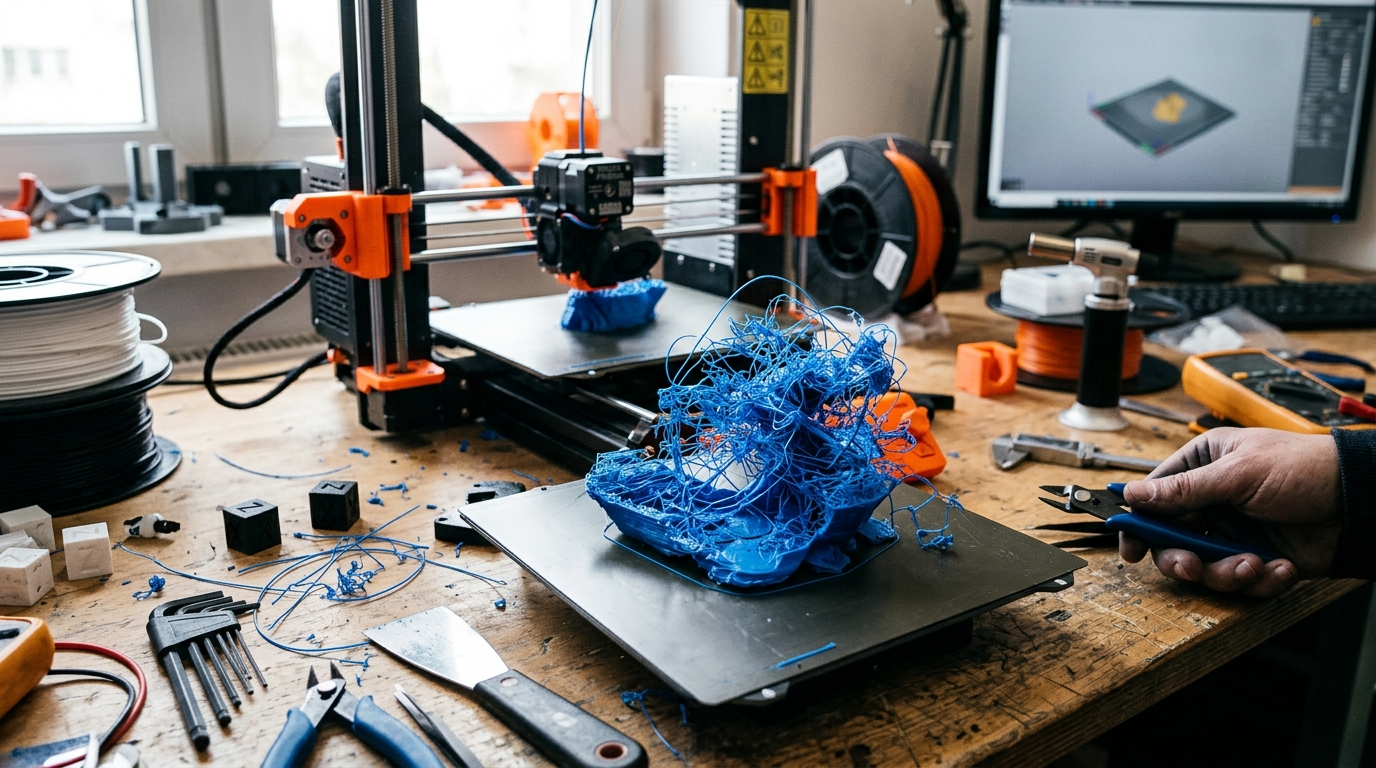
3D Print Failures: How to Diagnose and Fix Any Problem
You just pulled a failed print off the bed. Something went wrong — but what? This guide is a visual reference. Find your failure by appearance, follow the cause-and-fix chain, and get back to printing. Every failure is diagnostic information once you know how to read it.
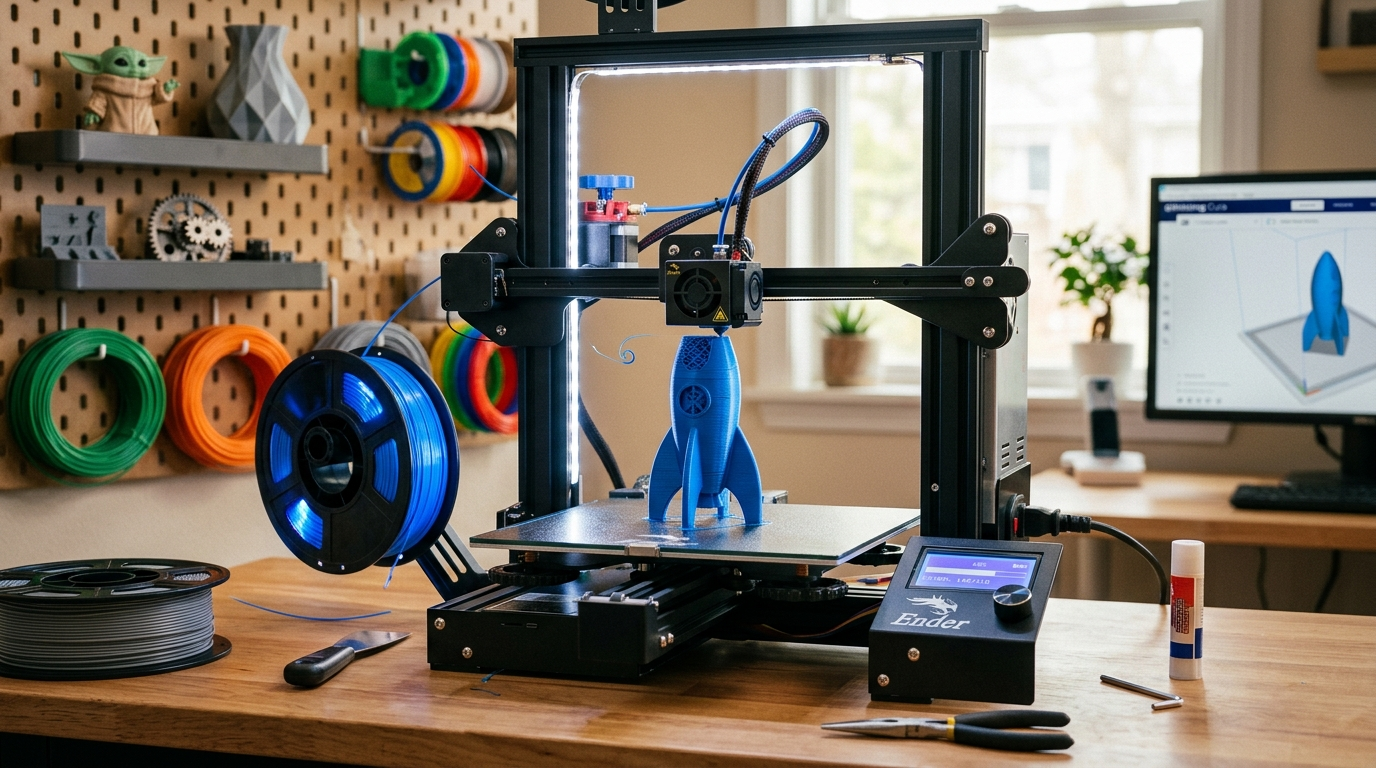
The Beginner's Guide to 3D Printing
FDM 3D printing has a reputation for being finicky. It isn't — but it rewards people who understand three things: bed adhesion, slicer settings, and filament care. Get those right and you'll be printing successfully within your first week.